One tap per point
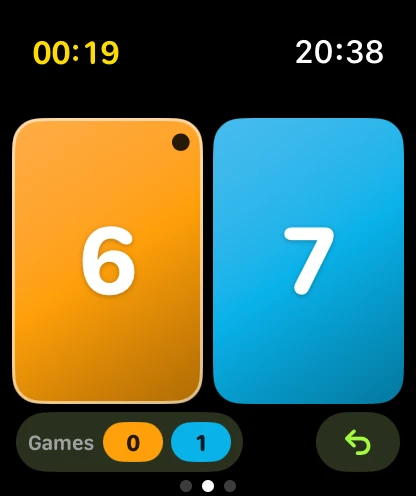
Two huge tiles, blue for you and orange for your opponent. Tap the side that won the point, even mid-rally and without looking for long.
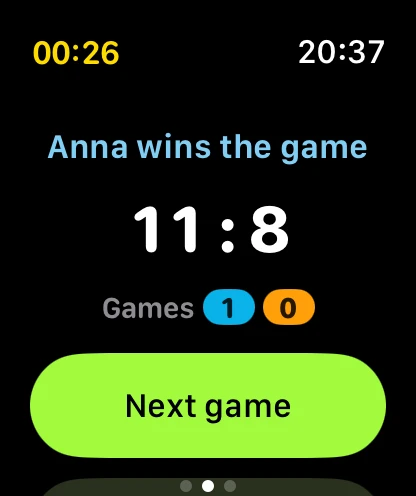
Table Tennis Score is the ping pong scoreboard for Apple Watch, iPhone, iPad and Mac. One tap per point. The app tracks the serve, deuce, games and match, and calls the score out loud so you can keep your eyes on the ball.


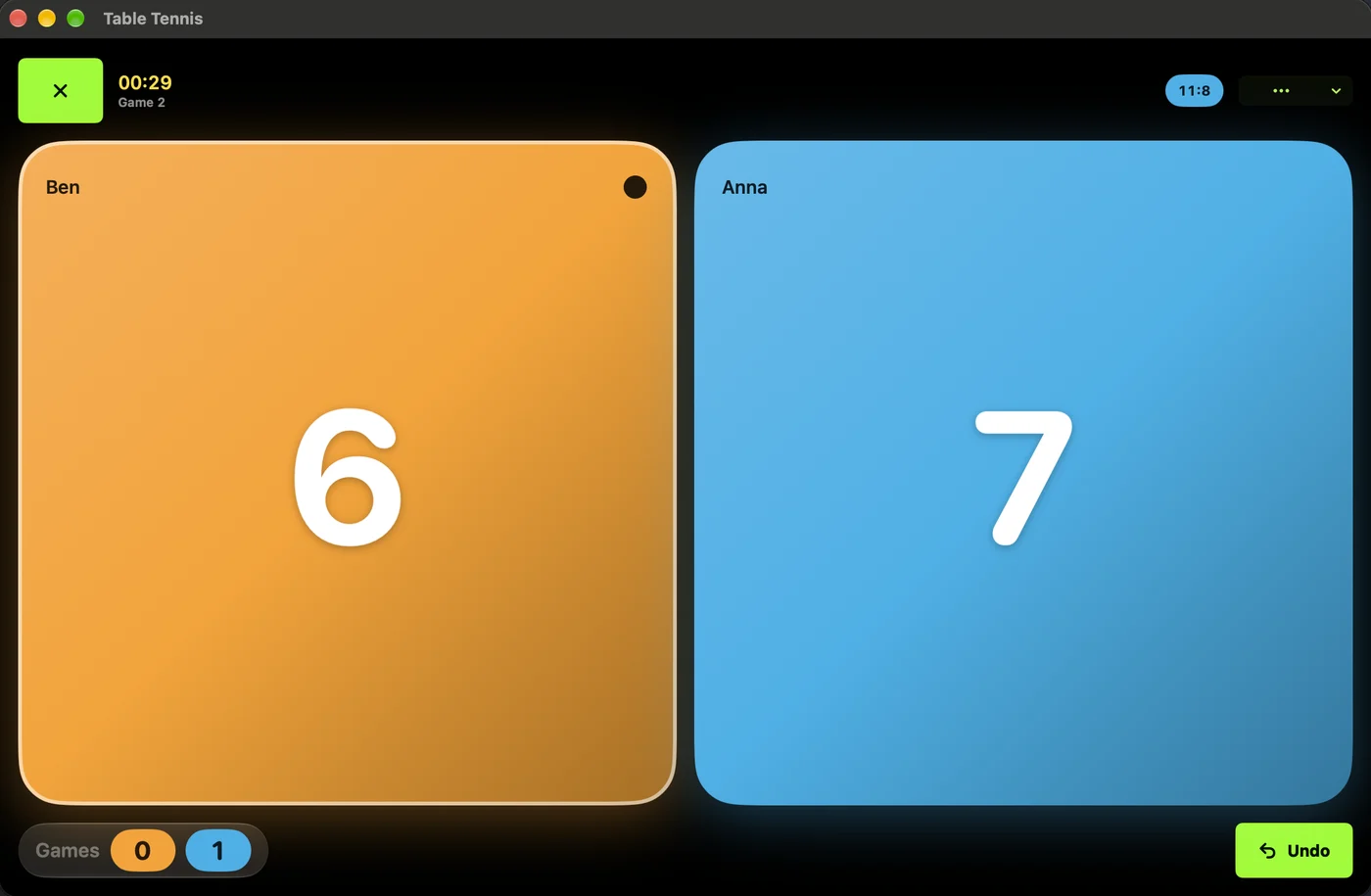
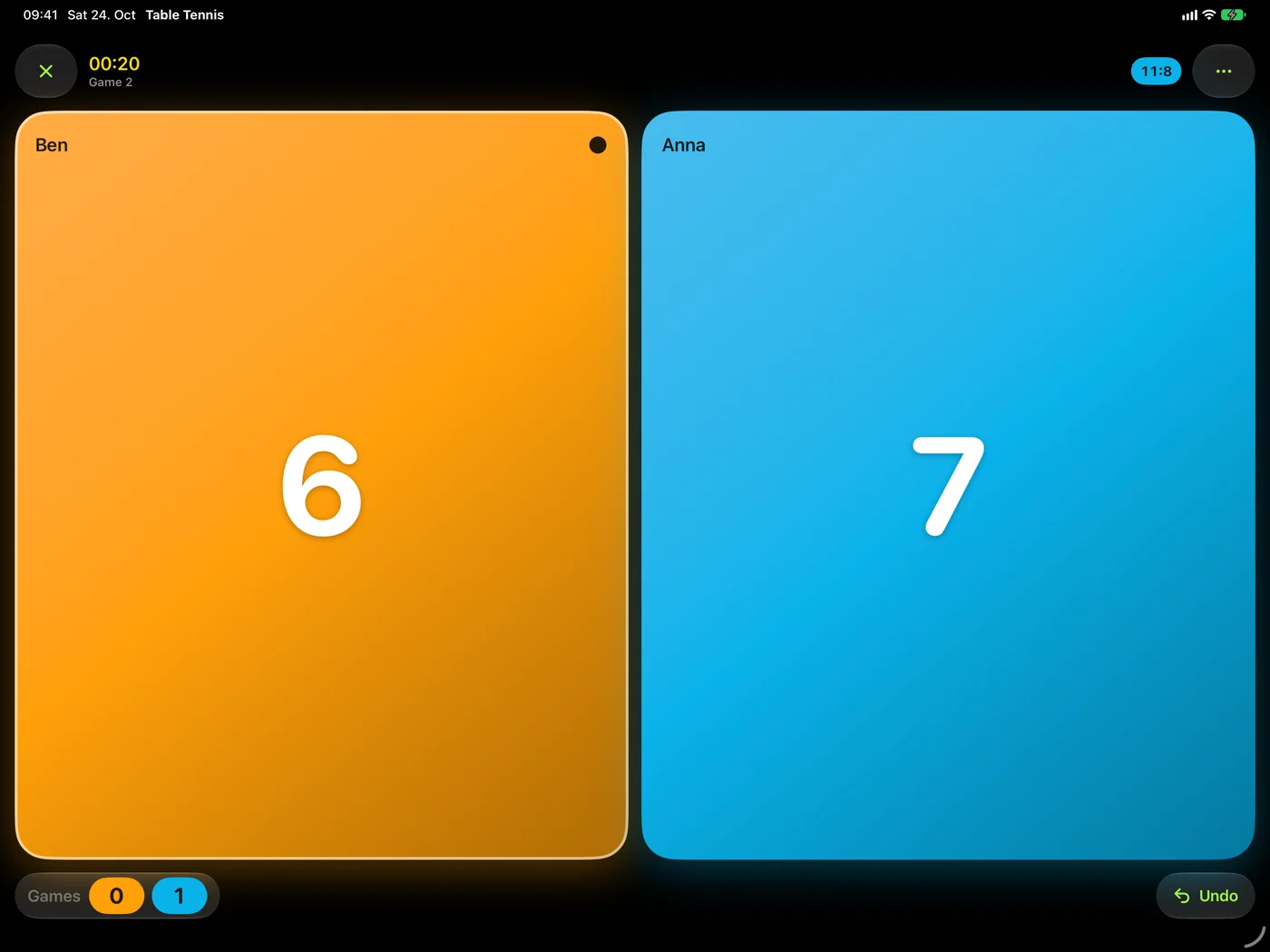
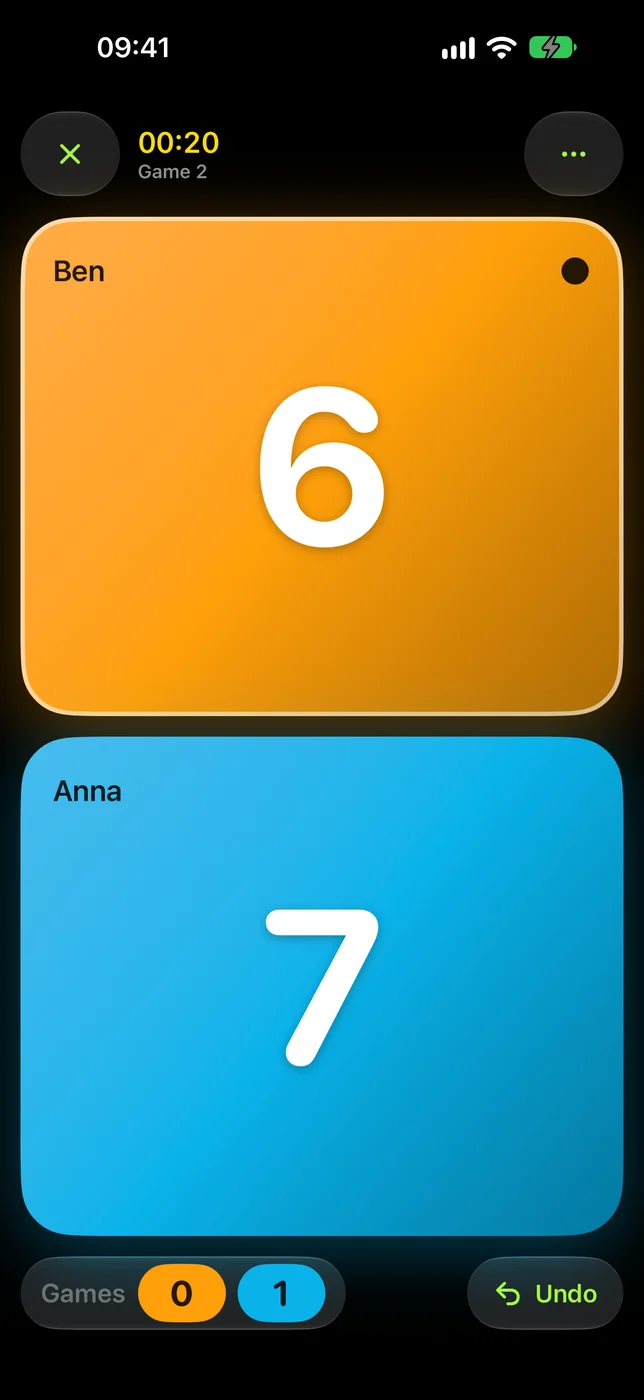
Try it here
This is the scoring screen from the watch, playable right here. It follows the real table tennis rules, just like the app.
Tap You or Opponent. Serve changes every two points.
Features
Big tiles, one tap per point, and the rules handled for you. It looks and feels like the Workout app, because it is one: every match can be saved as a workout.
Two huge tiles, blue for you and orange for your opponent. Tap the side that won the point, even mid-rally and without looking for long.
Two serves each, one each from 10:10, and the first server changes every game. The dot shows who is next.
The score after every point, the server's score first, plus deuce, game point and match point. Optional streak calls go all the way up to "Godlike".
Wrong side? One tap takes the last point back, as often as you need.
A 60-second timeout per player with a countdown ring, then straight back to the match.
The watch taps your wrist when it is time to switch sides in the deciding game.
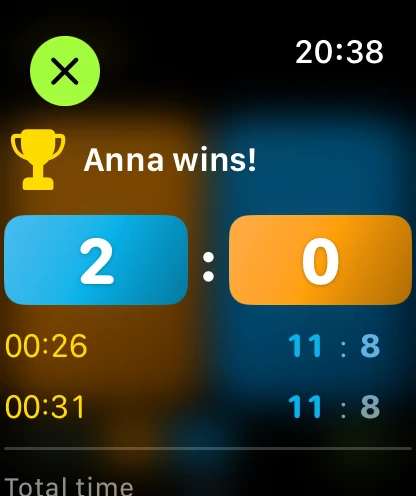
Every game with its score and time, total match time, rematch with one tap. The last 200 matches stay on your device.
English, German, French, Spanish, Italian, Japanese, Simplified Chinese, Traditional Chinese, Arabic and Vietnamese. The voice follows your device language.
Hands-free
Between rallies your other hand is busy with the ball. Turn on Gesture Scoring and you never have to touch the screen.
Tap index finger and thumb together twice. Apple Watch Series 9, Ultra 2 or newer.
Turn your wrist away and back quickly. Recognised by the app's own motion detection.
Apple Health
On Apple Watch each match is saved to Apple Health as a table tennis workout. You see your heart rate while you play, and duration and active calories in the summary.
Example values. Health data stays in Apple Health on your devices; it never reaches us.
Every screen
One purchase gets you Table Tennis Score on Apple Watch, iPhone, iPad and Mac. Put the iPad on the table as a scoreboard everyone can read, or keep score on the Mac at the club desk.
watchOS 26
Runs without your iPhone. Gestures, haptics, live heart rate and workouts.
iOS 26
Full-screen tiles you can read from across the table, with voice and history.
iPadOS 26
A scoreboard for spectators and umpires. Put it on a stand next to the court.
macOS 26
On the Mac App Store. Score with the ← and → keys, undo with ⌘Z.
Table Tennis rules in short
The app knows these rules so you don't have to. Here they are anyway, for the next argument at the table.
A game goes to the first player with 11 points and a lead of two. Play to 21 if your club still does: the app offers both.
The serve changes every two points. From 10:10 it changes after every point. The dot on the tile always shows who serves next.
Matches are best of 5 by default. Pick anything from a single game to best of 9 before you start.
In the deciding game, players change ends when the first one reaches 5 points. Your watch taps you on the wrist when it is time.
FAQ
You pick who serves first before the match. After that the app follows the table tennis rules: two serves each, one serve each from 10:10, and the first server alternates every game. A dot on the player's tile shows who serves.
Yes. In the settings choose 11 or 21 points per game. With 21 points the serve changes every five points, as in the old rules.
No. The Apple Watch app runs on its own. Leave the phone in your bag.
Turn on Gesture Scoring in the watch app's settings. Double Tap (tap index finger and thumb together twice) adds a point for you, and Wrist Flick (turn your wrist away and back quickly) adds one for your opponent. Double Tap needs Apple Watch Series 9, Ultra 2 or newer. Leave gestures off if you wear the watch on your playing arm.
On Apple Watch, yes. With Track as workout on, each match is saved to Apple Health as a table tennis workout with duration, heart rate and active calories, and it fills your Activity rings. You can turn it off in the settings.
Open the Settings app on your iPhone, go to Health → Data Access & Devices (or Settings → Health → Apps on the watch), select the app and allow it to write workouts, heart rate and active energy.
More score apps
Play more than one sport? Get all score apps in one bundle for €5.99.
Rally scoring to 21, the 30-point cap and the service court. Best of 1, 3 or 5 games.
15, 30, 40, deuce, tiebreaks and sets. Best of 1, 3 or 5 sets, no-ad if you like.
Point-a-rally to 11, the service box, game ball and match ball. Best of 1, 3 or 5 games.
15, 30, 40, golden point, star point, tiebreaks and the super tiebreak. One set or best of 3.
Side-out scoring, first and second server, the 0-0-2 call and rally scoring. Singles and doubles.
The whole family, and why they look alike.
Apple Watch, iPhone, iPad and Mac · one purchase